HTML Recurring Countdown Timer

EXPERIENCE TYPE

Countdown Timer

INDUSTRY

Retail, Travel, Food & Beverage, B2B

CUSTOMER JOURNEY STAGE

Awareness, Consideration, Purchase

Want this capability?

Want to add timers to your website? Get in touch today and we’ll get you up and running!

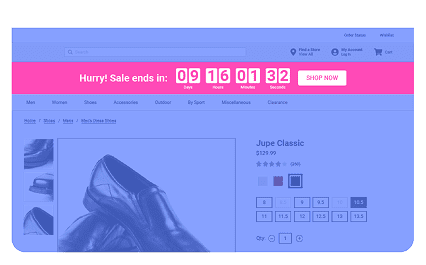
Insert an HTML recurring countdown timer in the first part of the site, but it also allows users to adjust the timer and position it in other parts of the site.


Example Use Case:

  • Share express shipping cut off times
  • Display the open/closing times of your stores or call centers

Explore More Action Templates

ACTION TEMPLATE

Exit and Inactivity – Reminder and Button

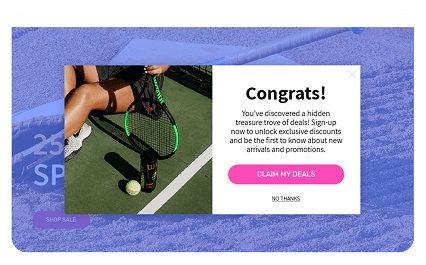
Opens a lightbox when the visitor's mouse movement indicates they are about to leave the page or after a set period of inactivity with a configurable message and button.
ACTION TEMPLATE

Tip Top Slider Banner

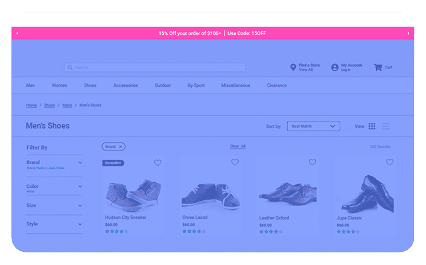
Inserts a banner at the very top of the page that has multiple configurable messages that can be scrolled through.
ACTION TEMPLATE

Tooltip

The tooltips automatically pop up for new visitors after a brief period. Once closed or acknowledged, they won't reappear for the duration of the user's session, unless the site is refreshed or reopened. The frequency, rules, and message content can be customized.

Thanks for reaching out!

A member of our Partnership Team will be in contact shortly.